How Do I Install an AGL Nano Vehicle Tracker?

29 September 2026

Installing Your Nano Tracker Is Simple

Before you begin, have your vehicle registration and the 15-digit IMEI number shown on your Nano ready. Once the tracker has been installed, email these details to service@agl-ltd.co.uk
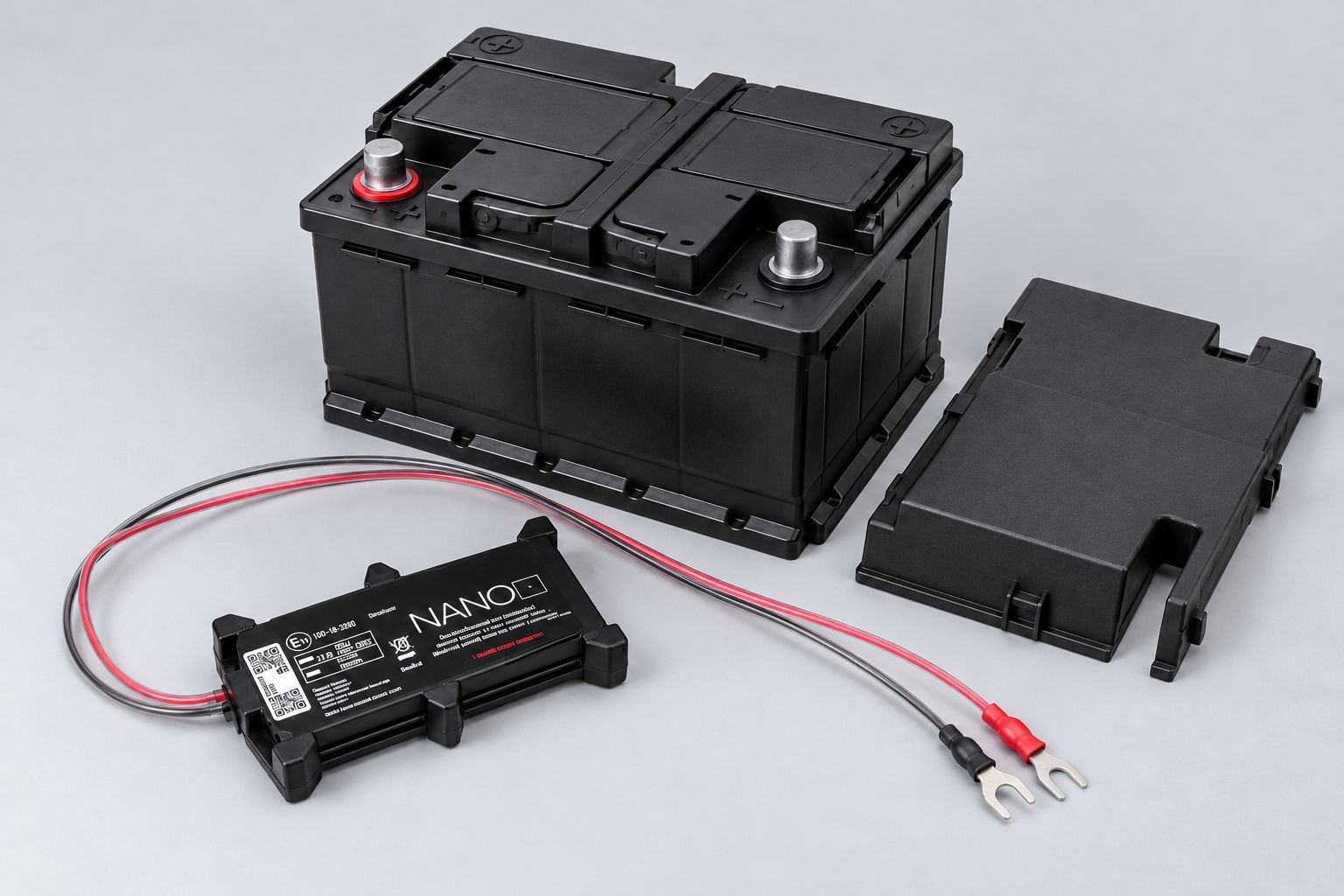
AGL Nano tracker positioned beside a vehicle battery with cables ready for installation.

1. Choose the Installation Location


Locate the vehicle battery and remove its cover if fitted. Choose a discreet position for the Nano where the cables can comfortably reach the battery terminals and the battery cover can still be replaced.
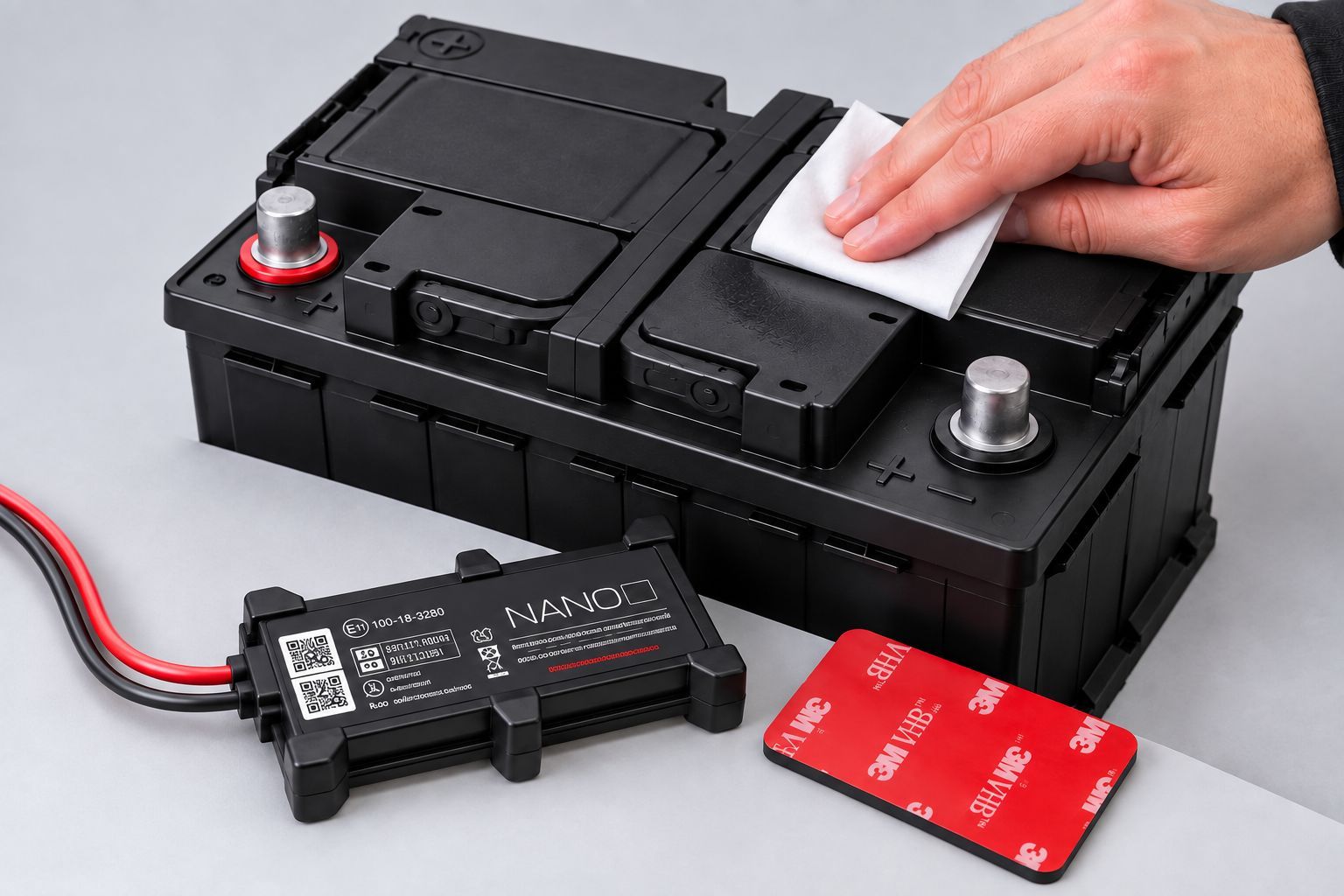
Vehicle battery being cleaned before securing an AGL Nano tracker with adhesive fixing.

2. Prepare & Secure the Nano


Keep the vehicle switched off. Clean and degrease the mounting surface using the supplied alcohol wipe, then secure the Nano using the adhesive fixing with the NANO label facing upwards.
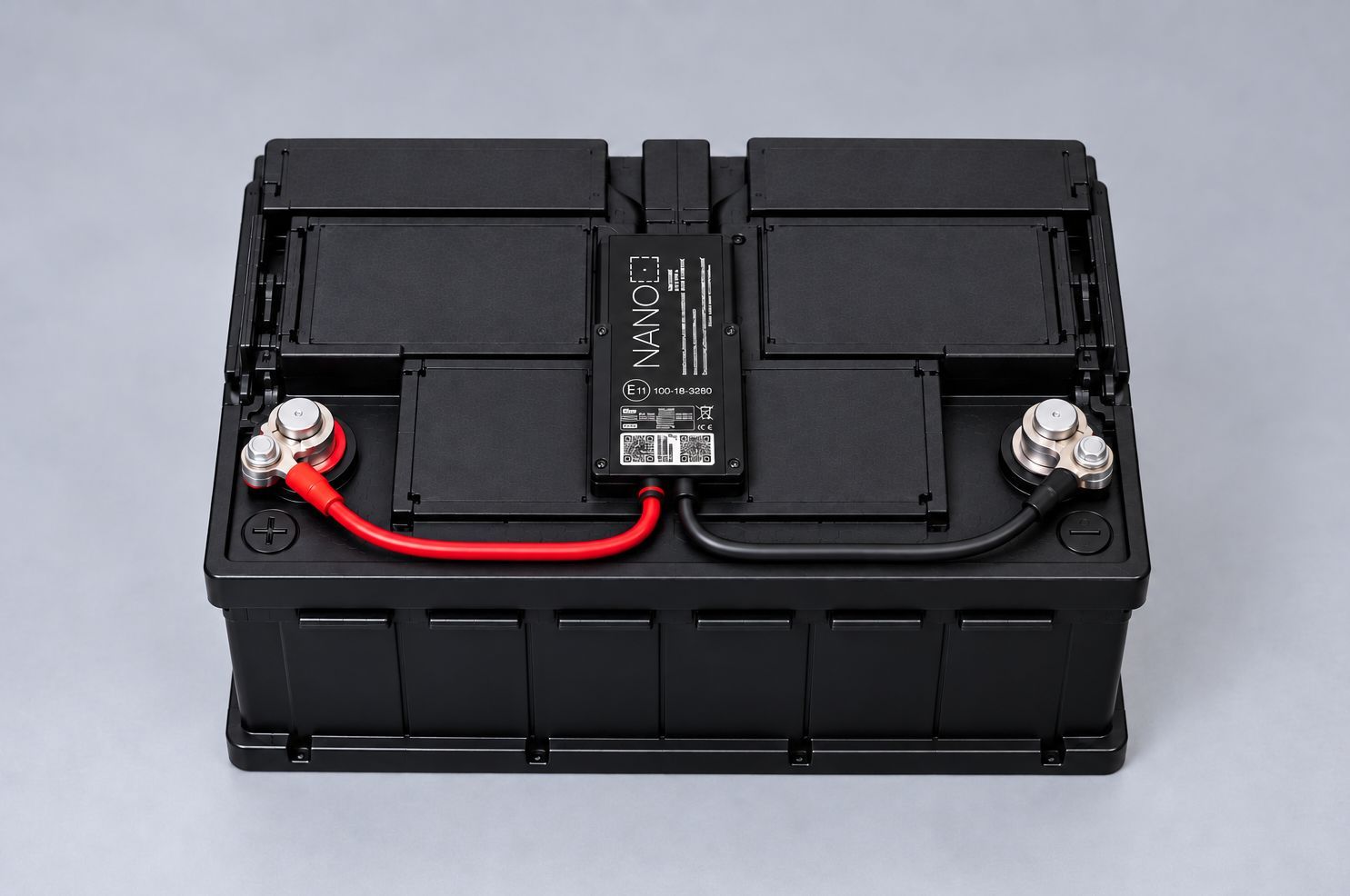
AGL Nano tracker connected to a vehicle battery with red positive and black negative cables securely fitted.

3. Connect the Nano to the Battery


Loosen the positive (+) terminal and connect the Nano's red cable, then tighten securely. Repeat at the negative (−) terminal using the black cable, ensuring both connections are secure.
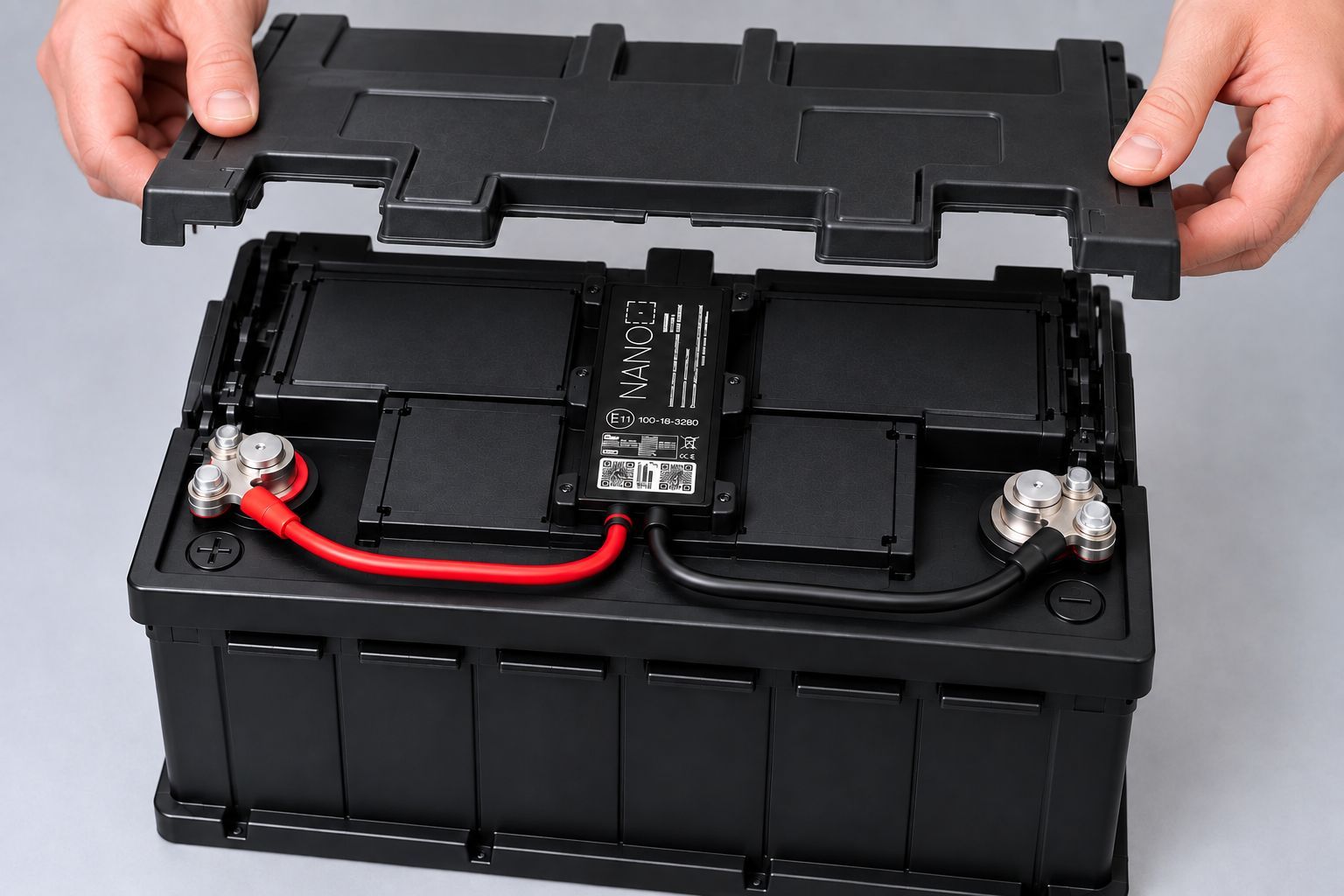
Battery cover being replaced after an AGL Nano tracker is securely installed and connected to the vehicle battery.

4. Complete the Installation


Check that the Nano is firmly secured, both battery connections are tight and the cables are safely positioned. Once everything is secure, replace the battery cover if one was removed.

Watch: How to Install Your AGL Nano Tracker


Prefer to follow the installation visually? Watch the Nano installation guide below to see the process step by step.

Installation Complete – Send Your Details to AGL


Once installed, email service@agl-ltd.co.uk with the vehicle registration and the Nano's 15-digit IMEI number so we have the details for your device.


Once your details have been received, the Nano can be associated with the correct vehicle, allowing you to start using your tracking solution.


Need help with your Nano installation? If you're unsure about any part of the process, contact AGL and our team will be happy to help.

Ready to get more from your fleet?


See how AGL's vehicle tracking, camera and fleet technology can give you greater visibility, evidence and control.

More Fleet Insights

White HGV on a UK motorway at sunset, illustrating fleet tracking and driver behaviour monitoring.
by PH756096 • 20 October 2026
Learn how driver behaviour monitoring works with GPS fleet tracking, what driving data reveals and how UK businesses can improve fleet safety.
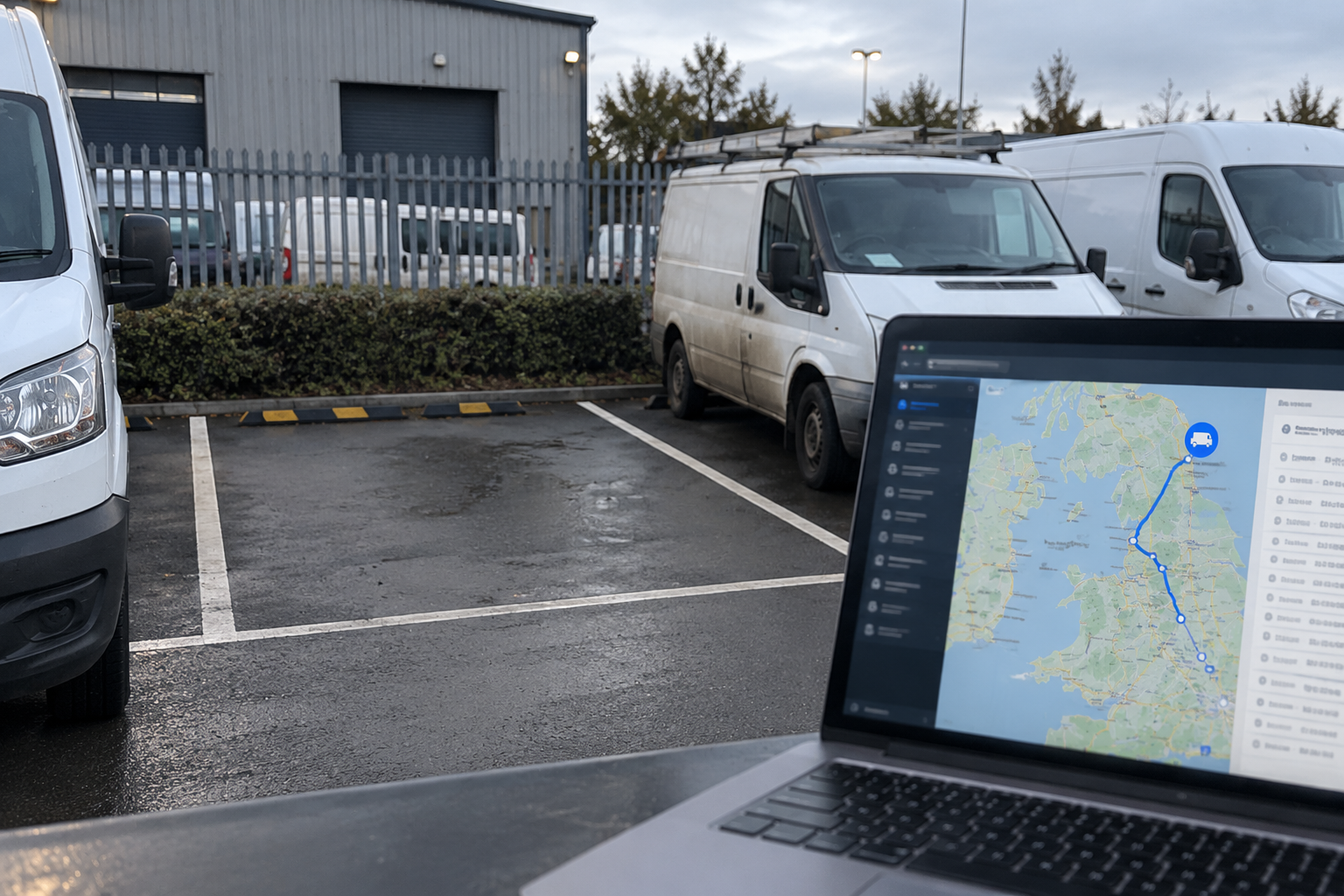
Fleet manager using GPS geofencing on a laptop to monitor commercial vehicles at a depot.
by PH756096 • 15 October 2026
What is geofencing in vehicle tracking? Learn how GPS geofences work, how vehicle movement alerts help and the benefits for commercial fleets across the UK.
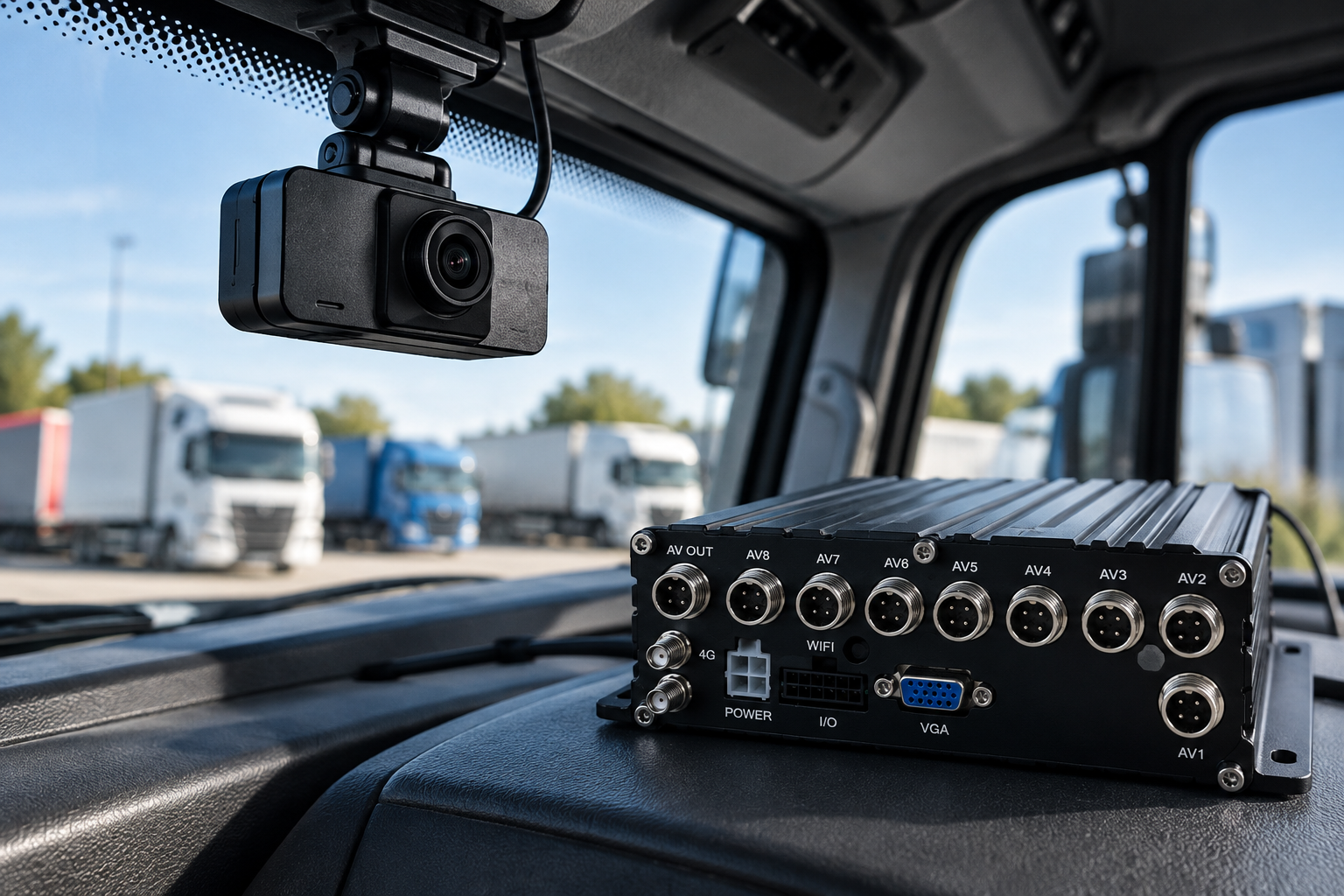
Fleet dash cam and MDVR recording system inside a commercial HGV cab.
by PH756096 • 12 October 2026
Dash cam or MDVR? Discover the differences in camera coverage, recording and fleet safety to help choose the right system for your UK commercial fleet.
GPS vehicle tracking used to locate a stolen commercial vehicle from a UK fleet using live location
by PH756096 • 5 October 2026
Can GPS vehicle tracking help recover a stolen vehicle? Learn how live location, movement alerts and journey history can support UK fleets after theft.
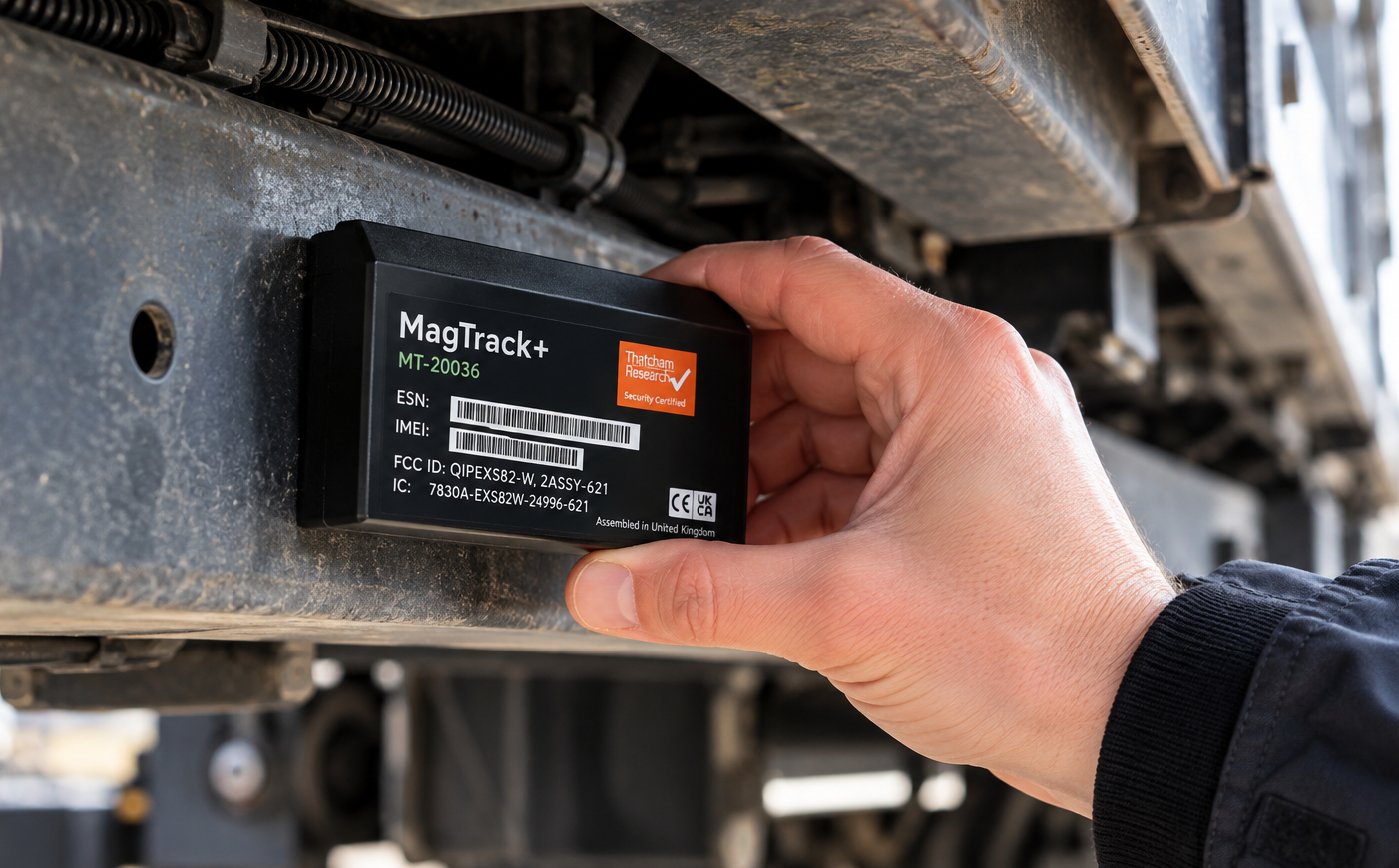
AGL MagTrack+ tracker being fitted to a metal surface on a commercial vehicle
by PH756096 • 30 September 2026
Learn how to install an AGL MagTrack+ tracker, choose a suitable location, secure the device and complete setup for vehicle or asset tracking.
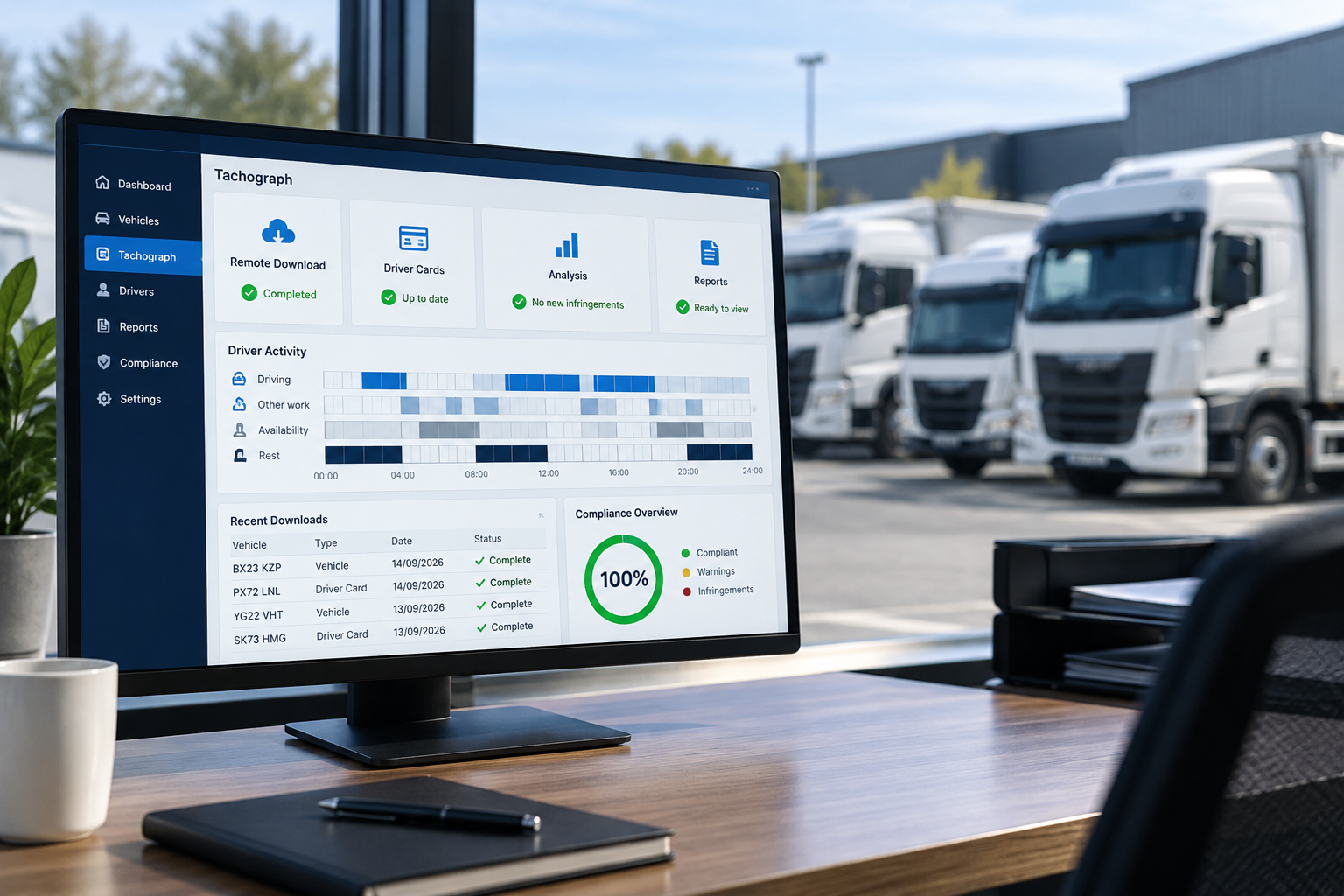
Digital tachograph dashboard showing remote downloads and driver card records.
by PH756096 • 22 September 2026
Discover how digital tachograph tools simplify remote downloads, driver card records, infringement reporting and fleet compliance.
Excavator and site dumper on a UK construction site, representing plant and equipment tracking.
by PH756096 • 21 September 2026
Can you track plant without a vehicle battery? Discover how battery-powered GPS trackers and Bluetooth tags help monitor equipment and assets.
CANbus integration providing vehicle data including fuel consumption, mileage and engine information
by PH756096 • 14 September 2026
Can you get CANbus data through vehicle tracking? Learn how CANbus integration can provide fuel, mileage and vehicle data for fleet management.
Fleet dash cam recording continuously while a commercial vehicle is driving on a UK motorway
by PH756096 • 7 September 2026
Do fleet dash cams record all the time? Learn how fleet camera recording works while driving, when parked and after an incident.
Vehicle tracking and telematics system for fleet management
by PH756096 • 24 August 2026
Learn the difference between vehicle tracking and telematics, what data each provides and which system is right for your fleet.