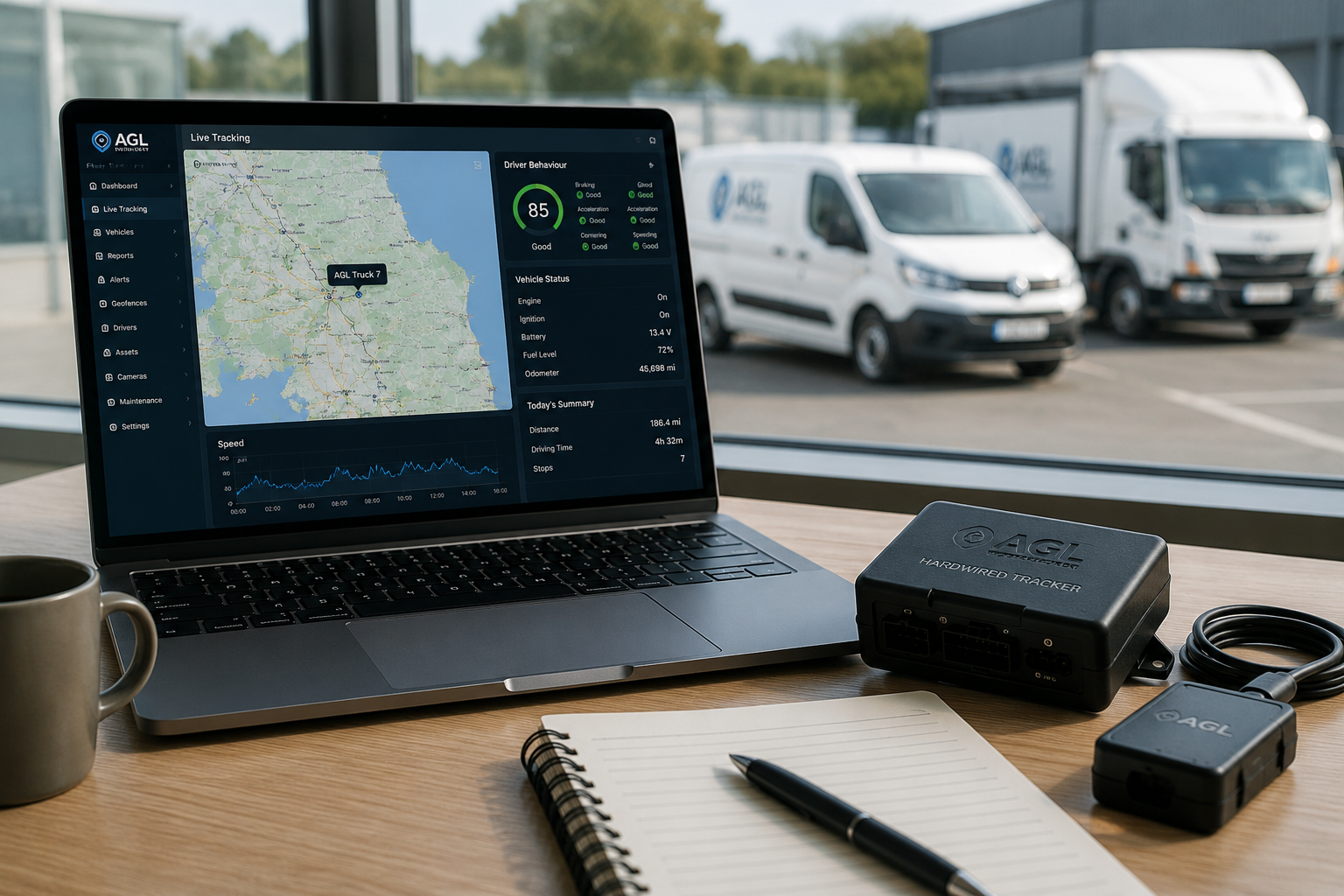
How Do I Install an AGL MagTrack+ Tracker?
30 September 2026
Installing Your MagTrack+ Is Simple
The AGL MagTrack+ is designed for quick installation without hardwiring. Before fitting the device, it needs to be switched on and fitted securely in a discreet location where it can maintain a reliable location fix.
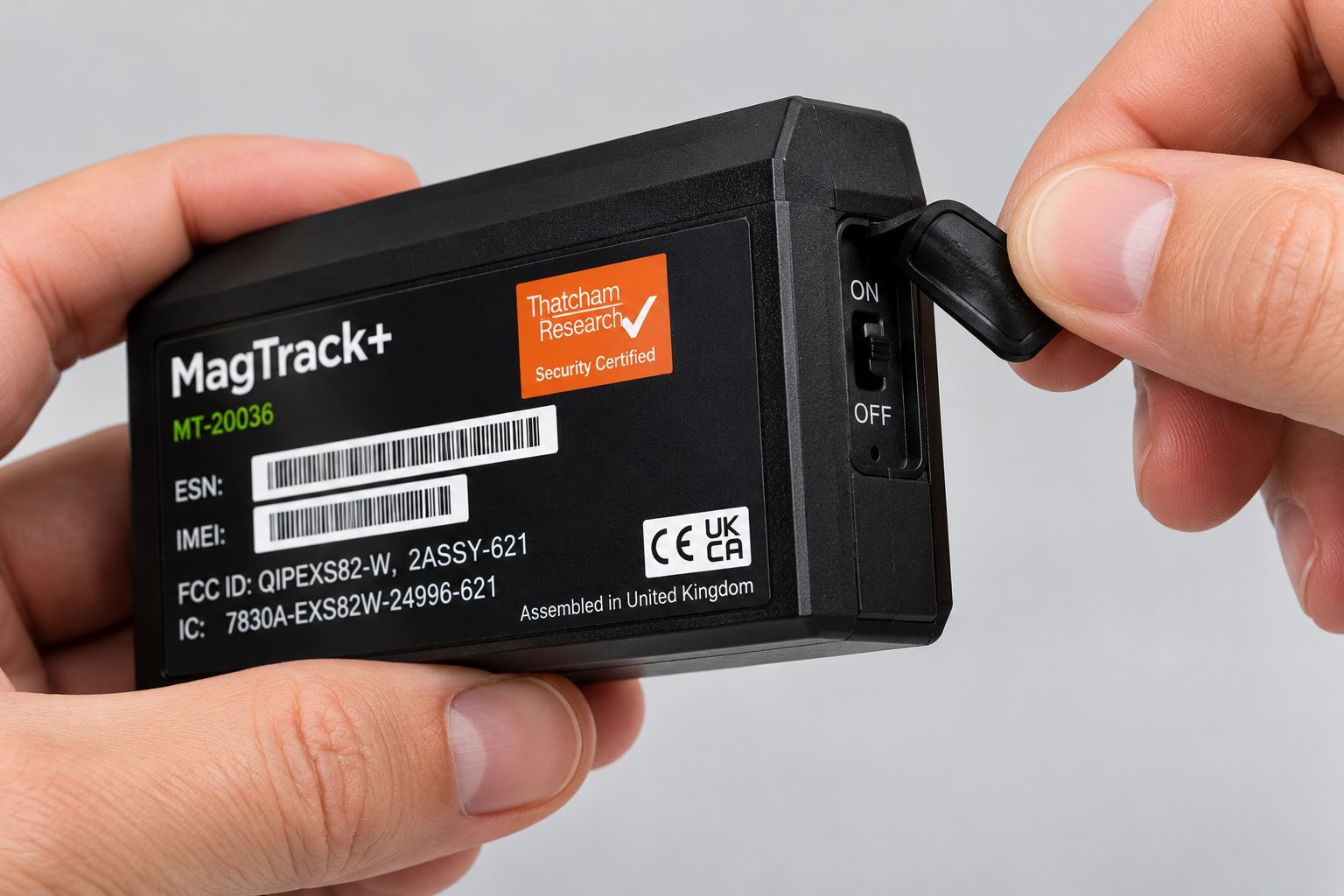
1. Switch On the MagTrack+
Peel back the rubber cover on the side of the MagTrack+, move the switch to the ON position, then securely reseal the rubber cover before installing the device.

2. Choose a Suitable Location
Choose a discreet location for the MagTrack+ where it can be securely fitted and accessed for future charging. Avoid fully enclosing or surrounding the device with metal, as this can affect its ability to obtain a reliable location fix.
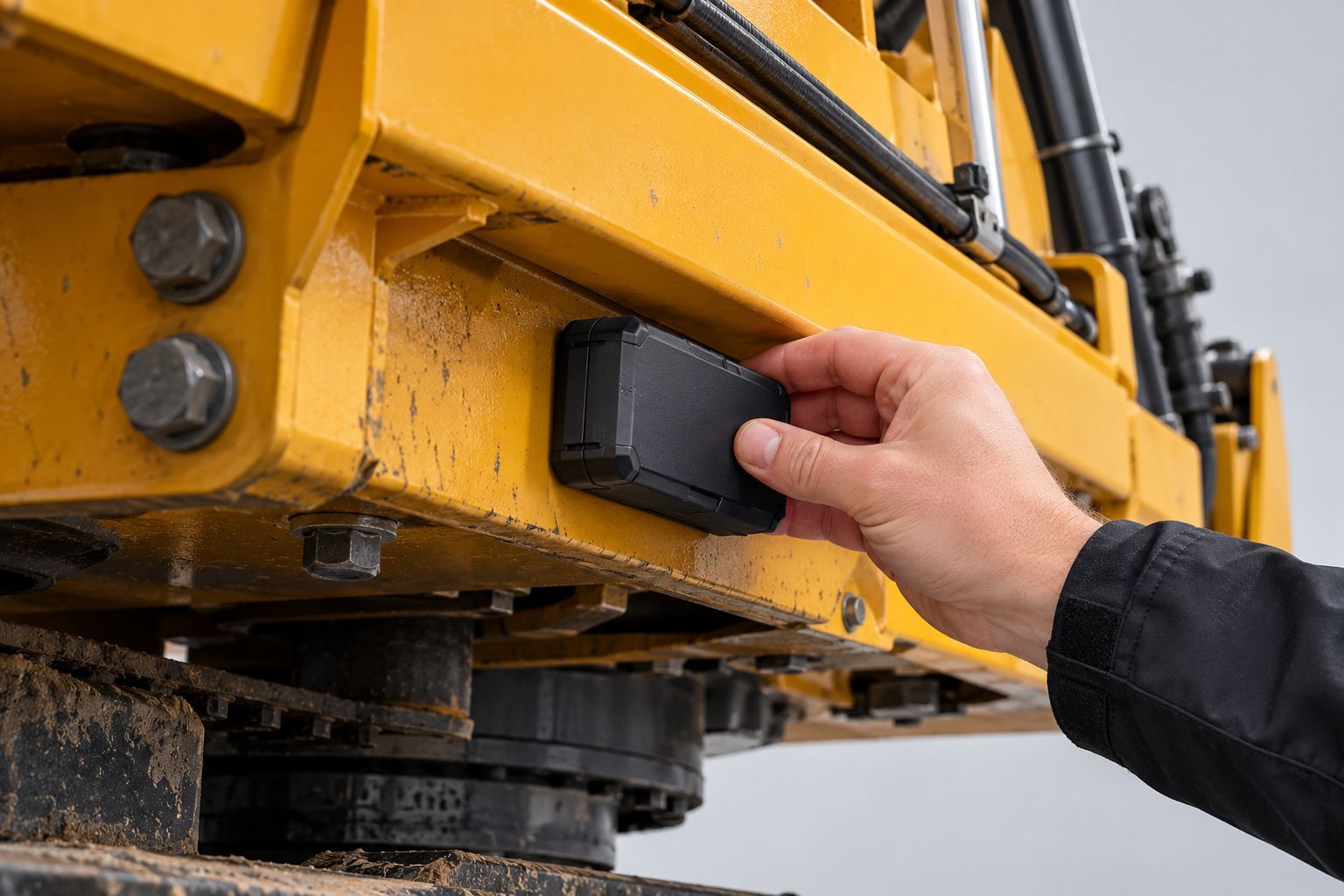
3. Secure the MagTrack+
Use the built-in magnets to attach the MagTrack+ to a suitable metal surface. For non-metal surfaces, secure the supplied metal plate first and attach the device to it.
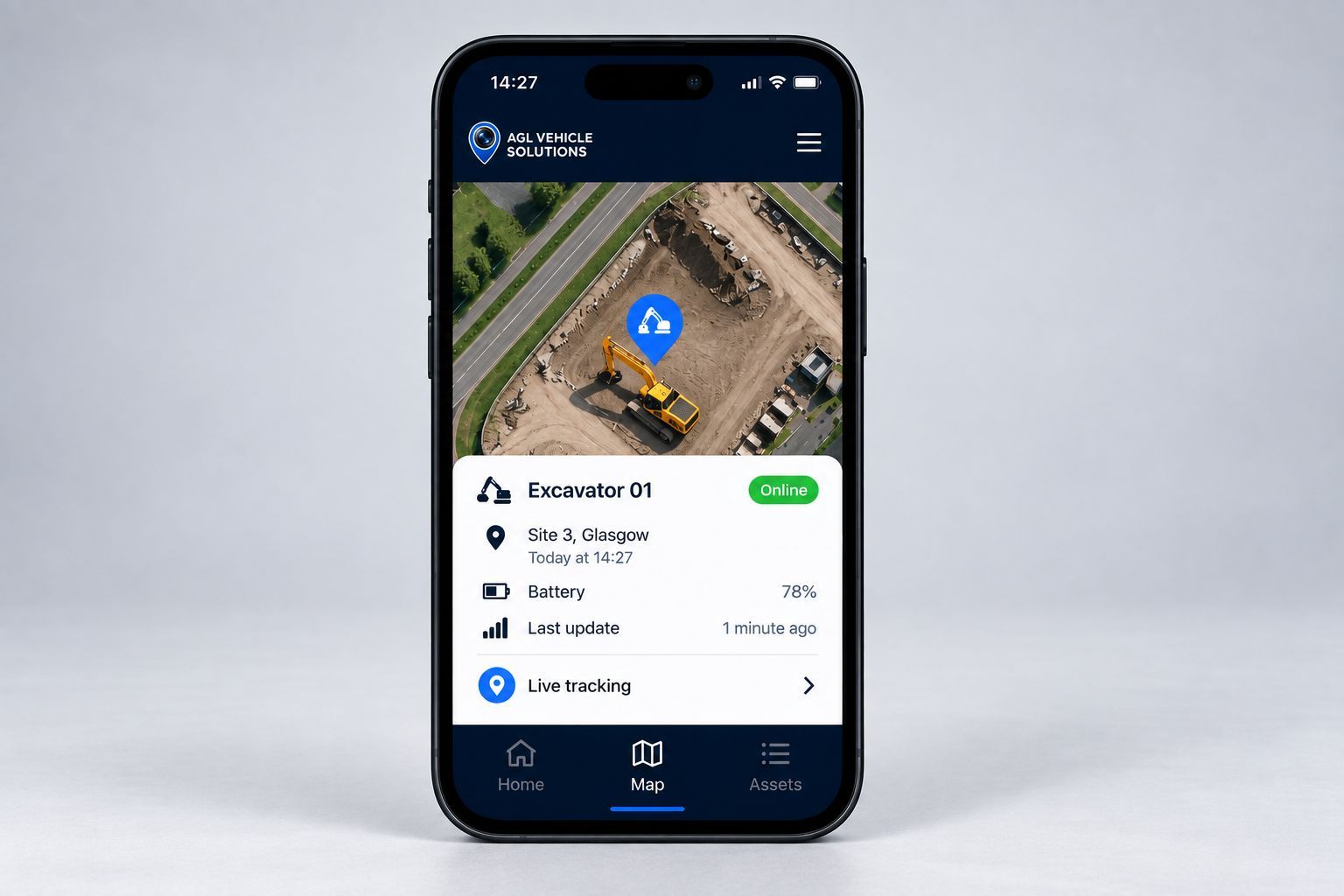
4. Set Up the MagTrack App
Download the MagTrack app, enable the required alerts and notifications, change the temporary password and add the vehicle or asset details. You can then select the appropriate operating mode.
Your MagTrack+ Is Ready to Use
Once installed and configured, the MagTrack+ can be used to monitor your vehicle or asset. The app also provides movement and low-battery alerts, with different operating modes available depending on how the device is being used.
Need help setting up your MagTrack+? Contact AGL and our team will be happy to help.
Ready to get more from your fleet?
See how AGL's vehicle tracking, camera and fleet technology can give you greater visibility, evidence and control.
More Fleet Insights